The store will not work correctly when cookies are disabled.
We collect user information to provide a better user experience and protect the security of our website. By continuing to use our website, you acknowledge the use of cookies.
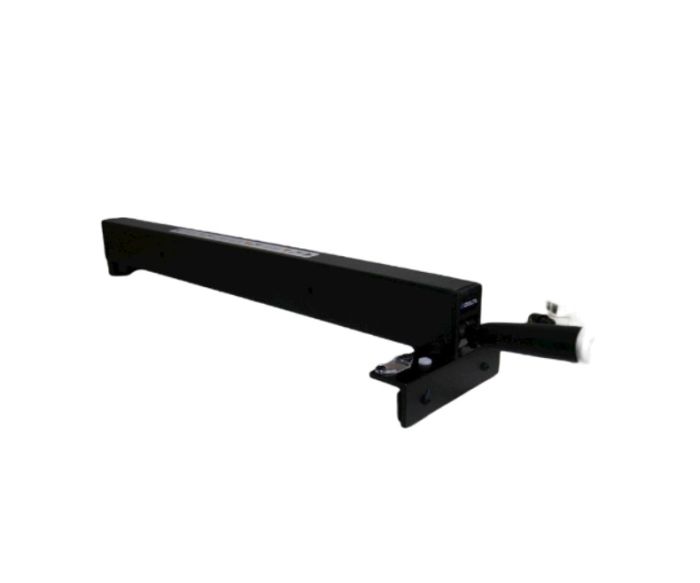
What maintenance is required for the DELTA DPEC004384 Fence Assembly?
Regularly clean the fence rails and guides to remove sawdust and debris, ensuring smooth sliding and accurate cuts. Check for loose screws or worn components and tighten or replace as needed. Apply a light coat of wax to the guide surfaces to prevent sticking. Always disconnect power before performing adjustments.
What are common issues with the DELTA DPEC004384 Fence Assembly?
Fence not locking firmly in position.
Cut alignment drifting during operation.
Misalignment during adjustments.
Fence sliding unevenly along rails.
Please, mind that only logged in users can submit questions
We strive to provide our customers with a hassle-free and efficient shopping experience. Our shipping policy ensures the timely delivery of your orders and complete customer satisfaction. View More
We are committed to ensuring your complete satisfaction with every purchase. We understand that circumstances may arise where you must return a product or request a refund. If for any reason you are not satisfied, you may return the item(s) according to the terms outlined below. View More
This Payment Policy outlines the terms and conditions governing all payments made for products purchased through our website. By making a purchase, you agree to be bound by this Payment Policy. View More
Installation Steps
Step1: Unplug the saw and remove the existing fence from the guide rails.
Step2: Clean the front and rear rails to ensure smooth installation.
Step3: Place the new fence assembly onto the rails.
Step4: Engage the rear clamp with the back rail first.
Step5: Lower the front clamp onto the front rail.
Step6: Adjust the fence to sit parallel with the blade.
Step7: Lock the handle securely and verify smooth sliding operation.


Validate your login